Keep the evidence together
A location, a note and the right photos for each finding.
FOR SITE VISITS & RECTIFICATION REPORTS
Site Inspector
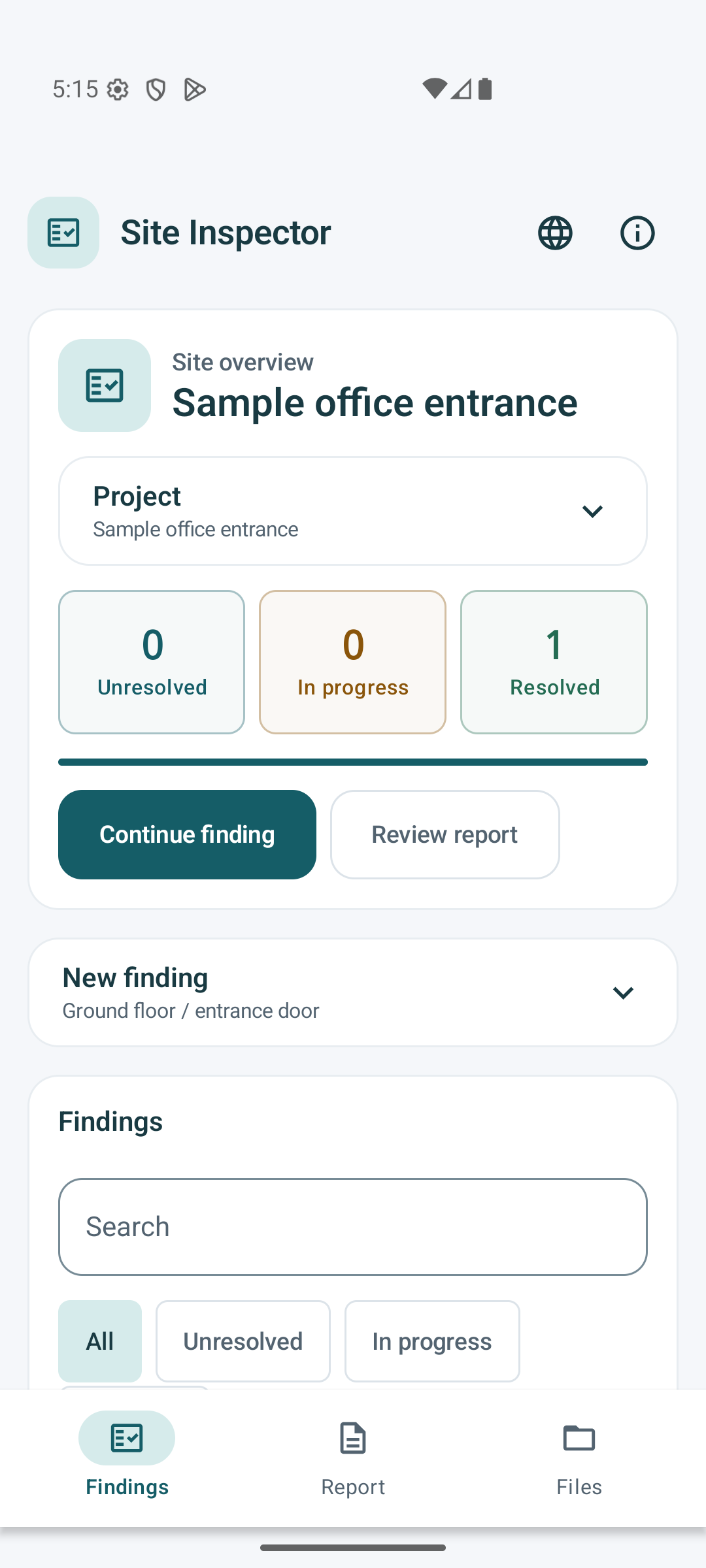
Record what needs attention, compare before and after, and hand over a photo report as PDF or editable Word. Keep the work together on your Android device.
For independent inspectors, small contractors and people documenting repairs or handovers.
One-time app purchase · See Google Play for the price in your country. Prices and availability may vary.
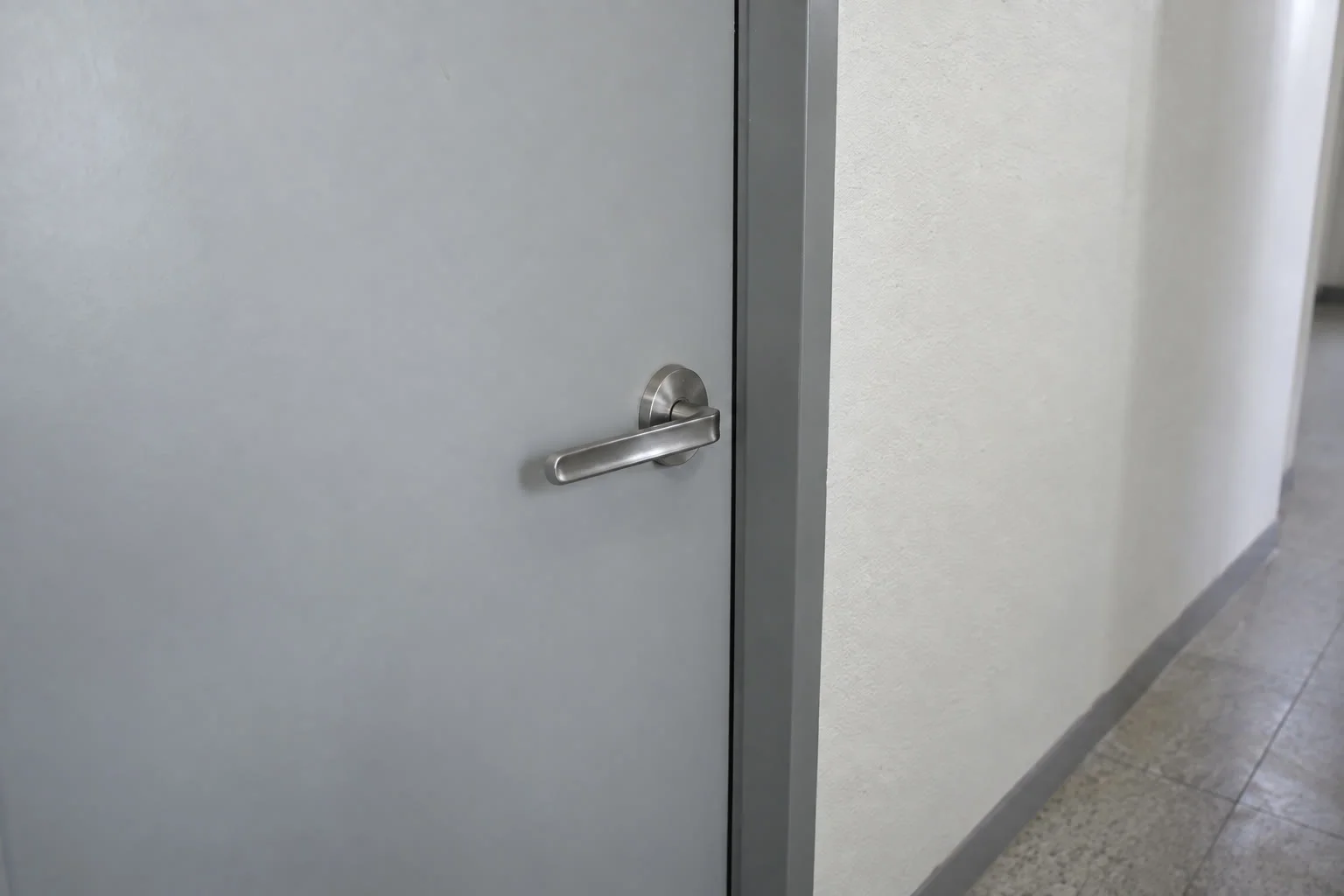
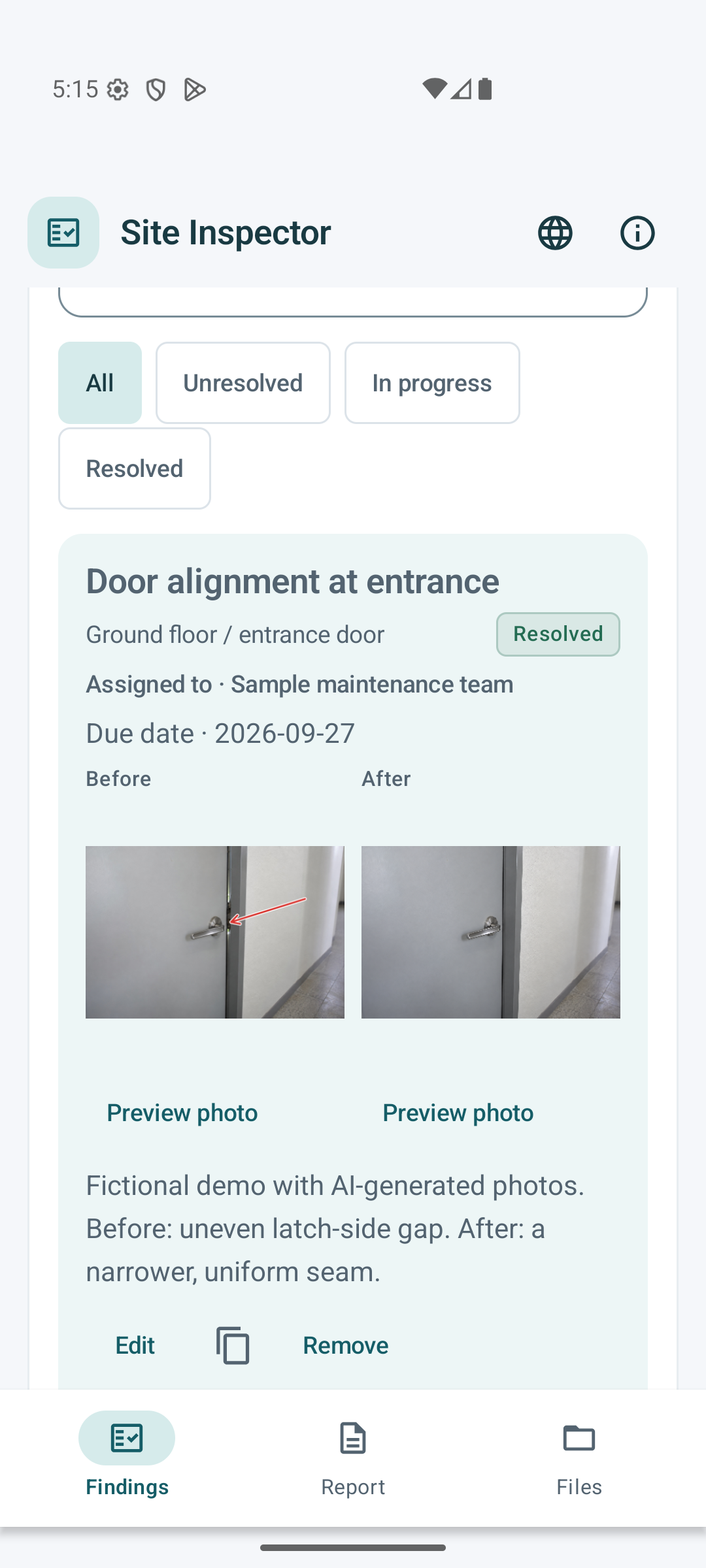
Photos → findings → PDF / Word
Fictional demonstration project. Screens and downloadable files are produced by the app. Scenario photographs are AI-generated illustrations, not customer projects.
A location, a note and the right photos for each finding.
Before-and-after photos make the follow-up easy to understand.
Share a PDF, or refine the exported Word document.
How it works
Add the location, notes, status and photos. Annotate an image or mark a position on a floor plan.
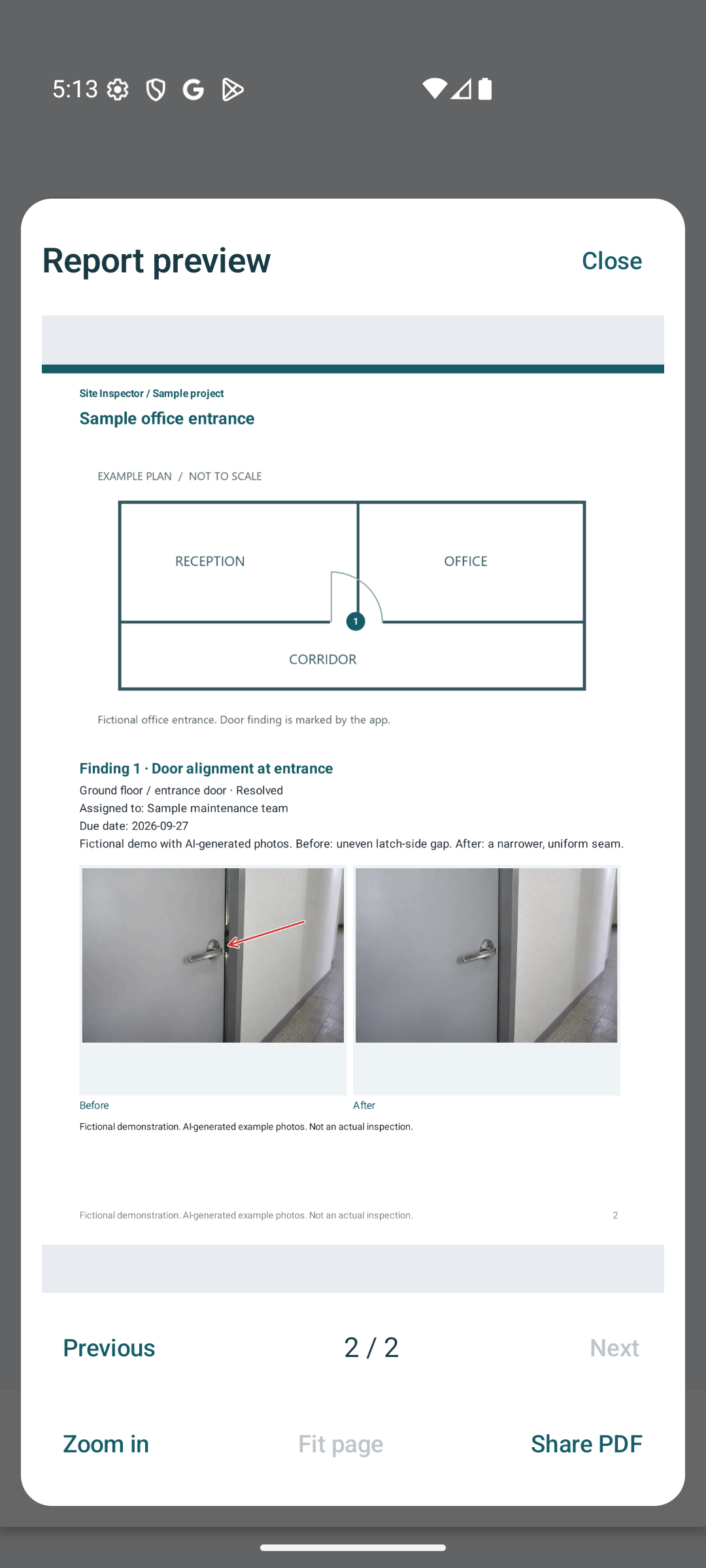
Keep the before and after photos with the same finding, alongside responsibility and due dates.
Choose a report layout and export PDF or Word. Preserve a report version and back up the project with its photos.
This video introduces actual app screens and exported samples. Select subtitles in the video player.
Site Inspector
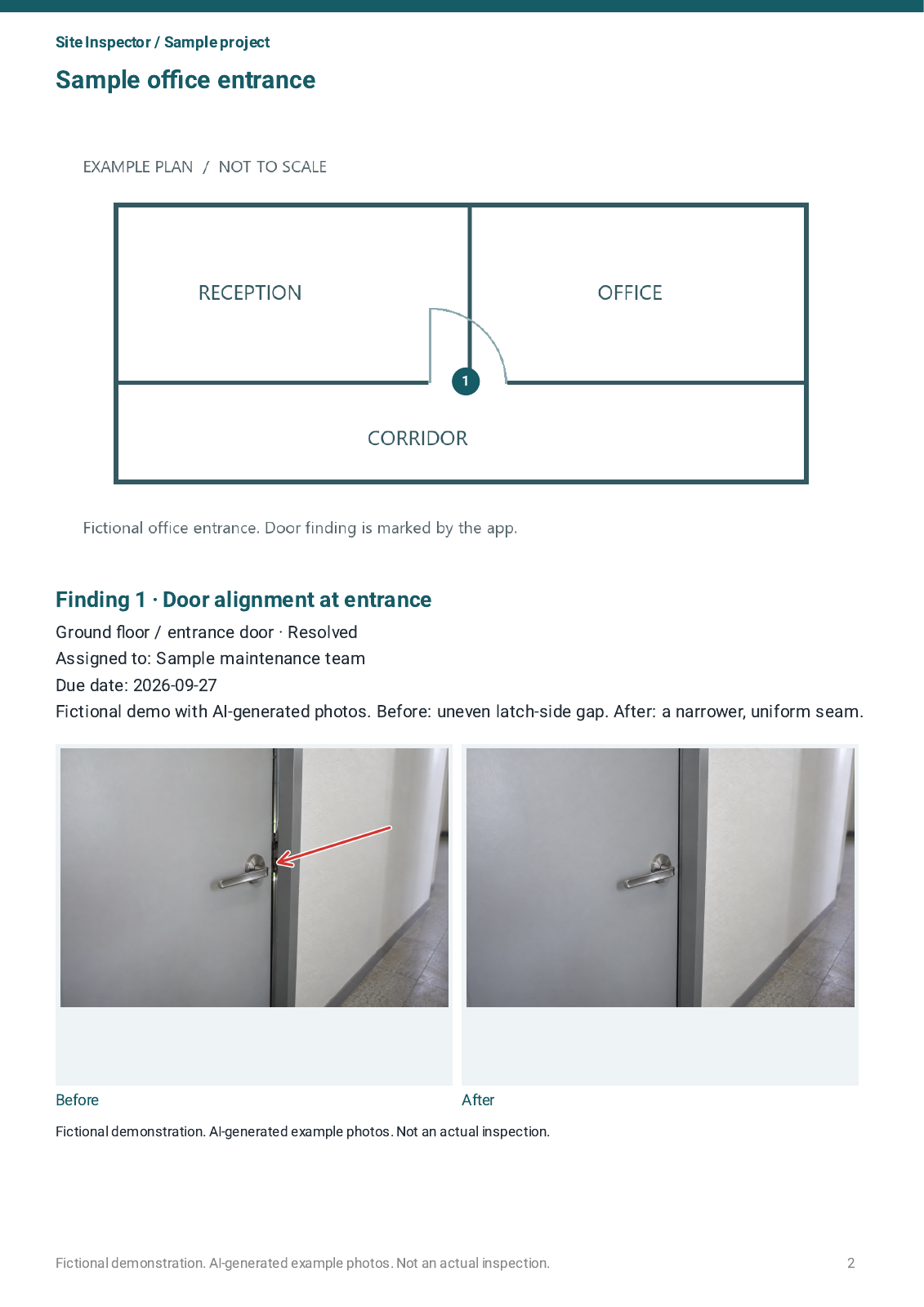
A fictional door-adjustment example shows how before-and-after photographs can explain a finding. The app keeps each photograph with its record.
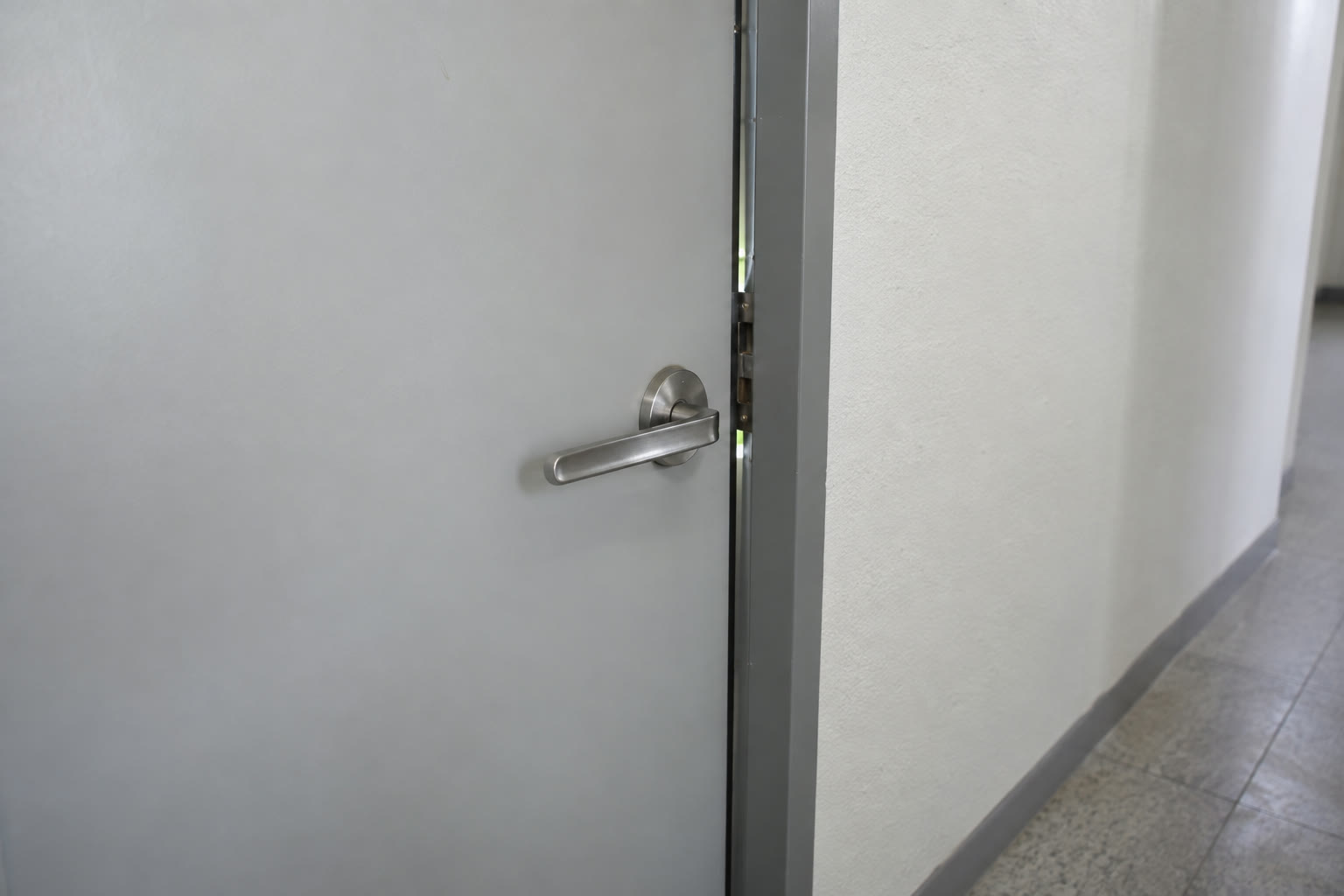
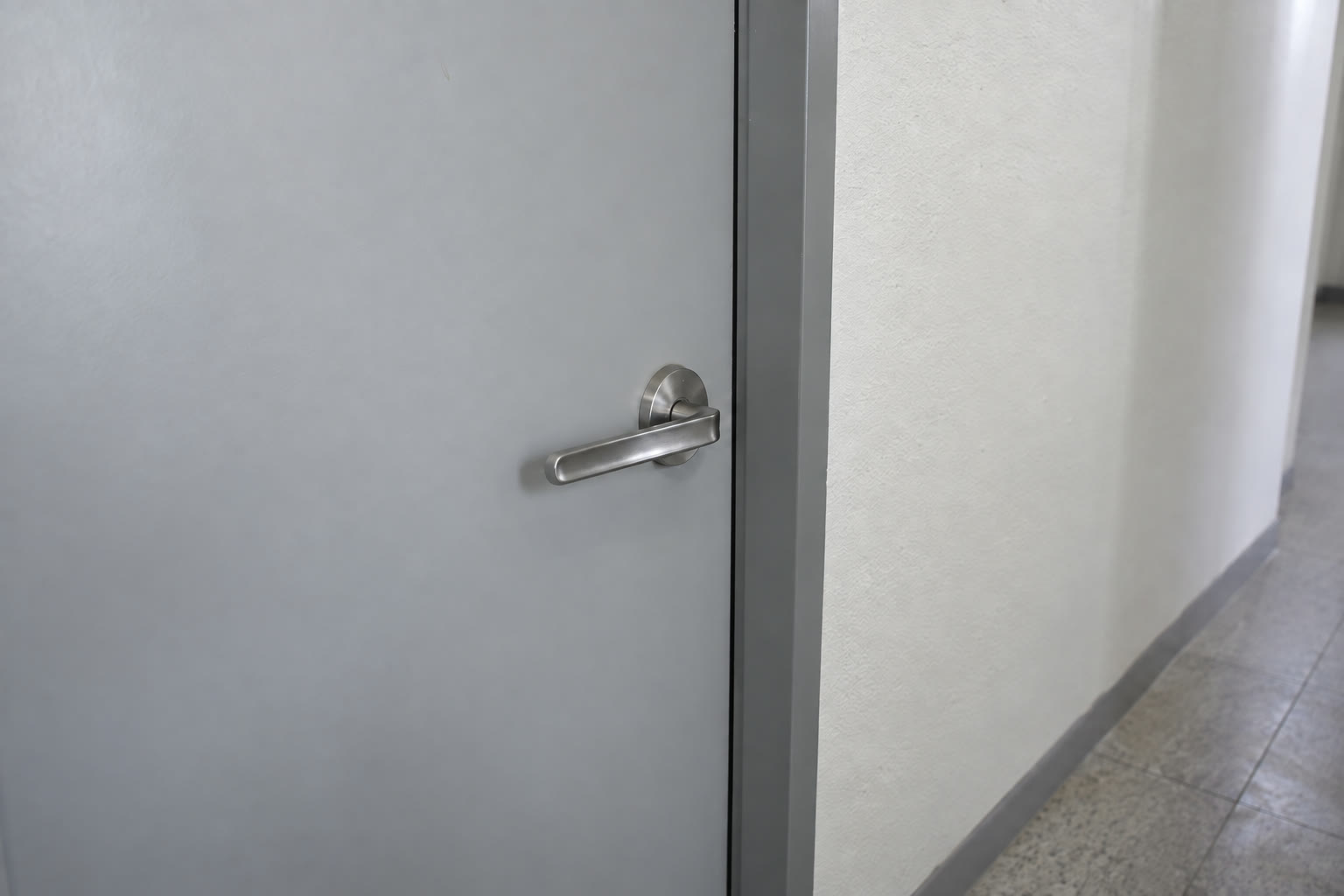
Fictional demonstration project. Screens and downloadable files are produced by the app. Scenario photographs are AI-generated illustrations, not customer projects.
 Open full-size image ↗Open full-size image ↗
 Open full-size image ↗
Screens show an example project. The interface can be switched between 10 languages.
Real output
Inspect the actual files, including layout, dimensions and content. These are examples, not promises about every project.
Fictional demonstration project. Screens and downloadable files are produced by the app. Scenario photographs are AI-generated illustrations, not customer projects.
Features & limits
The app selects a supported device language on first launch. You can change it inside the app. Your manual choice is saved. Unsupported languages use English; Chinese uses Traditional Chinese.
Check the actual report, then take the workflow to your next site visit.
Tell us what you need to record, report or cut. We can help you check whether the app fits your workflow.
With your consent, we count page views, video plays, sample file openings, clicks to Google Play and successful inquiry submissions (without their content) to improve this page. Results are grouped by app, display language and broad traffic source. Names, email addresses, inquiry content, full URLs and IP addresses are not stored in the analytics data. We do not use cookies to identify individuals for this measurement. These actions do not indicate completed purchases. Your choice is saved in this browser and can be changed at any time.
Measurement is disabled